
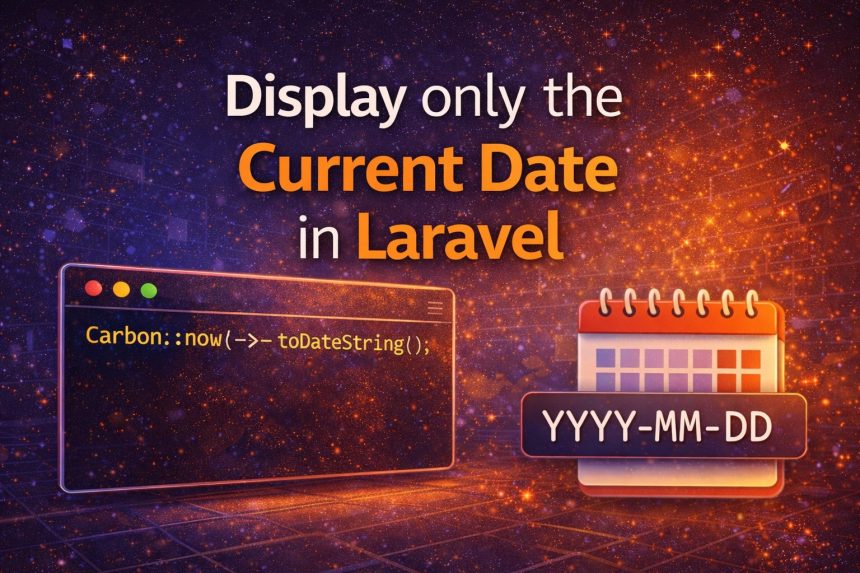
I ran into a small but annoying issue while building a Laravel page that shows “today’s date” at the top of a report. I used Carbon like I always do:
Carbon::now();But Carbon returns a full datetime value (date + time). That’s great for logs, but not what I wanted on the UI. I only needed the date, something like 2024-10-11—no hours, minutes, or seconds.
Here are the best ways to display only the current date in Laravel using Carbon, plus the approach I now use depending on where the date is shown (Blade, controller, API, etc.).
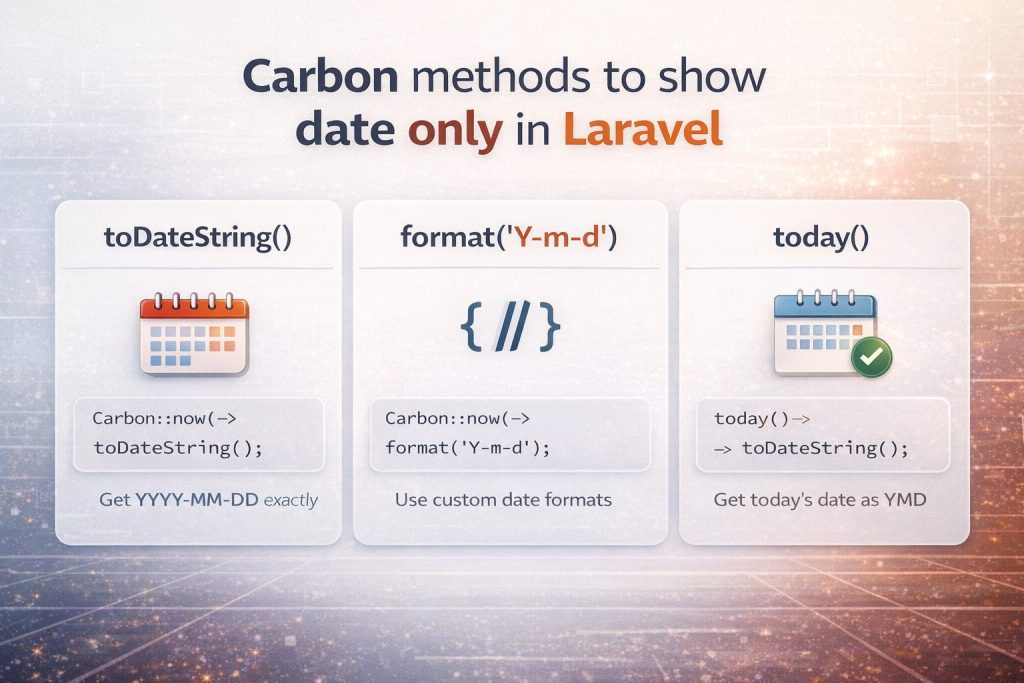
Method 1 (best/simple): toDateString()
If you want YYYY-MM-DD exactly, this is the cleanest option:
use Carbon\Carbon;

$date = Carbon::now()->toDateString(); // 2024-10-11
I like this because it’s readable and instantly tells you what it returns: just the date portion.
Method 2: format(‘Y-m-d’) (best when you need a custom format)
When I need a different format (like 11-10-2024 or Oct 11, 2024), I use format():
use Carbon\Carbon;

$date = Carbon::now()->format('Y-m-d');   // 2024-10-11
$date2 = Carbon::now()->format('d-m-Y');  // 11-10-2024
$date3 = Carbon::now()->format('M d, Y'); // Oct 11, 2024
If you’re copying a strict format requirement from a client or API docs, format() is usually the right choice.
Method 3: today() (nice when you truly mean “today”)
Sometimes I don’t even want “now” — I want “today” as a date value. Laravel/Carbon gives you that too:
$today = today()->toDateString(); // 2024-10-11This reads nicely in code and matches the intent: it’s the current date (not a timestamp).
Showing the date in a Blade view
If you just want to display it on the page, Blade can do it directly:
{{ \Carbon\Carbon::now()->toDateString() }}But on real projects, I prefer passing the value from the controller so the view stays clean.
Controller example (recommended style)
use Carbon\Carbon;

public function index()
{
    $date = Carbon::now()->toDateString();

    return view('reports.index', compact('date'));
}
Then in Blade:
{{ $date }}Timezone tip (this is where people get confused)
If your server timezone is different than your users, “today” may look wrong near midnight. In that case, set the timezone explicitly:
use Carbon\Carbon;

$date = Carbon::now('Asia/Dhaka')->toDateString();
If this is a full app, it’s usually better to set the correct timezone globally in config/app.php so you don’t have to repeat it everywhere.
Quick FAQ
Why not just use Carbon::now() and split the string?
You can, but it’s fragile and unnecessary. Carbon already provides proper methods that are readable and reliable.
Which one should I use most of the time?
- Use
toDateString()if you wantYYYY-MM-DD. - Use
format()if you need a custom format. - Use
today()when the intent is “today as a date”.
Final thoughts
Once I switched from Carbon::now() to Carbon::now()->toDateString(), the problem was solved instantly and the code became more readable. If you’re showing dates in a UI, reports, or APIs, picking the right Carbon method saves time and prevents formatting bugs later.