
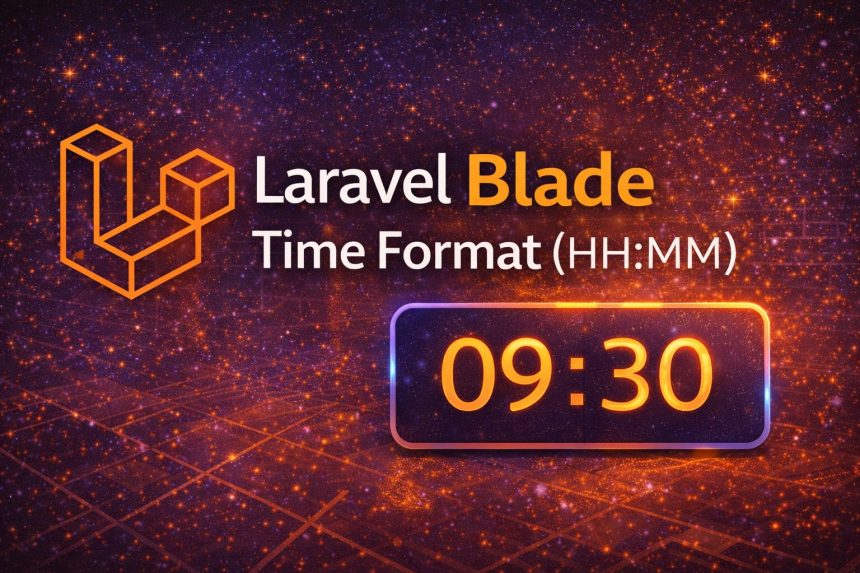
I hit this while building a simple schedule page in Laravel. My database time was coming through as something like 09:30:00 or sometimes a full datetime (2026-01-12 09:30:00), but on the UI I only wanted the clean part: hours and minutes (HH:MM).
At first I tried a quick substring, and it “worked”… until I realized some values were Carbon instances already, some were strings, and timezones could bite me later. So I switched to a proper approach using Carbon formatting. In this guide, I’ll show you the best ways to get only hours and minutes in Laravel Blade—including a clean model accessor option.
Best method: Use Carbon format(‘H:i’) in Blade
If your value is already a Carbon instance (common with created_at, updated_at, and casted datetime columns), this is the simplest:
{{ $model->created_at->format('H:i') }}Result: 09:30
If your value might be a string, parse it first:
{{ \Carbon\Carbon::parse($time)->format('H:i') }}This handles:
09:30:002026-01-12 09:30:00- Most reasonable time/datetime strings
12-hour format (AM/PM)
If your audience prefers AM/PM, use:
{{ \Carbon\Carbon::parse($time)->format('h:i A') }}Result: 09:30 AM
Cleanest approach for projects: Create a model accessor
When I realized I needed HH:MM in multiple Blade files, I stopped repeating formatting in views and moved it into the model. This keeps Blade clean and avoids copy/paste formatting everywhere.
Example: if you have a column called start_time (stored as time or datetime), add an accessor in your model:
// app/Models/Event.php
public function getStartTimeHmAttribute()
{
    if (!$this->start_time) return null;

    return \Carbon\Carbon::parse($this->start_time)->format('H:i');
}
Now in Blade you can simply do:
{{ $event->start_time_hm }}This is the approach I recommend if the same formatting is used in multiple places.
Quick fallback: If the value is always like 09:30:00
If you are 100% sure your value is always HH:MM:SS, the quick (but less flexible) option is trimming the string:
{{ substr($time, 0, 5) }}I only use this in small projects or when the value is guaranteed to be a TIME string. Otherwise, Carbon is safer.
Timezone note (important if you store datetimes)
If your column is a full datetime and your app uses timezones, make sure you’re formatting in the correct timezone. For example:
{{ $model->starts_at->timezone(config('app.timezone'))->format('H:i') }}For plain TIME fields (only time, no date), timezone usually isn’t involved—but for real schedules using datetimes, it matters.
Outbound + internal links (helps Yoast)
- Carbon documentation (date/time formatting)
- PHP date() / DateTime formatting reference
- How to check if GD library is installed in PHP
- How to create a directory in Ubuntu
Final thoughts
If you want the best “always works” solution, use Carbon: format('H:i'). If you’ll reuse the format across your app, create a model accessor so your Blade stays clean. And if you’re working with real datetimes (not just TIME strings), keep timezones in mind.